![Layer 2.png]](https://help.bookvault.app/hs-fs/hubfs/Layer%202.png?height=31&name=Layer%202.png)
If you originally created your Bookvault account as an individual, you can switch it to a business account from within your Bookvault account.
1. Go to Payments
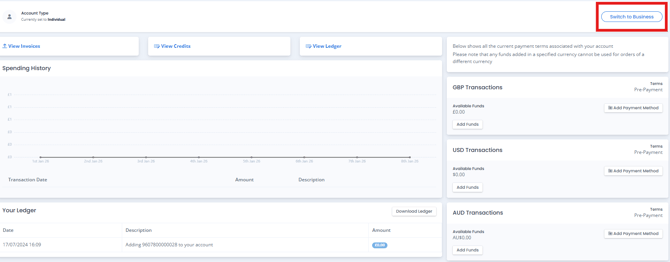
Log in to Bookvault and navigate to the Payments section.
On the right-hand side of the page, you'll see the option Switch to Business.
2. Enter your business details
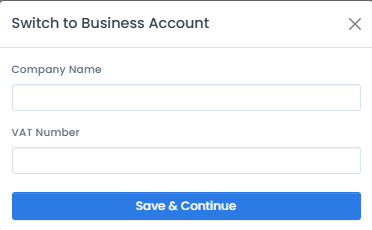
Select Switch to Business and you'll be prompted to enter your:
- Company name
- VAT number
If you don't currently have a VAT number, you can enter 000000 for the time being
3. Complete the change
Once you've entered the required information, complete the process and your Bookvault account will be switched from an individual account to a business account.